PTC Vuforia alternative for self-service product support

guidar guides service teams, technicians, and employees step-by-step through maintenance, fault diagnosis, and repair, and assists with questions.


Start an expert discussion for AI-supported customer support and service directly at the product
Try guidar

PTC Vuforia

Focus

AR work instructions
Frontline Worker Training
Capture knowledge
Standardize internal processes
Industrial workflows

Typical usage

Document workflows
Provide step-by-step instructions
Scale the knowledge of experienced employees
Support training and execution

Classification

Enterprise-oriented AR solution
Price typically upon request
Not primarily positioned for AI-powered product support

Focus

Product support directly at the product
On-site technician support
Guide maintenance, diagnosis, and repair
AI-powered problem analysis
Images, videos, and augmented reality

Support and Service

Start via QR Code (No app required!)
Automatically find the right solution
Fewer inquiries to internal staff
AI-powered problem analysis
Images, videos, and augmented reality

Setup

Product support directly at the product
On-site technician support
Guide maintenance, diagnosis, and repair
AI-powered problem analysis
Images, videos, and Augmented Reality

Vuforia digitizes work instructions. guidar solves problems directly on the product.

Many companies are looking for Augmented Reality because customers or technicians are in front of a product and don't know what to do.

A digital work instruction can help with this. However, it doesn't automatically solve the actual problem. The user still needs to know which guide is appropriate, which step is relevant, and whether their problem can even be solved with it.

guidar addresses this exact point.

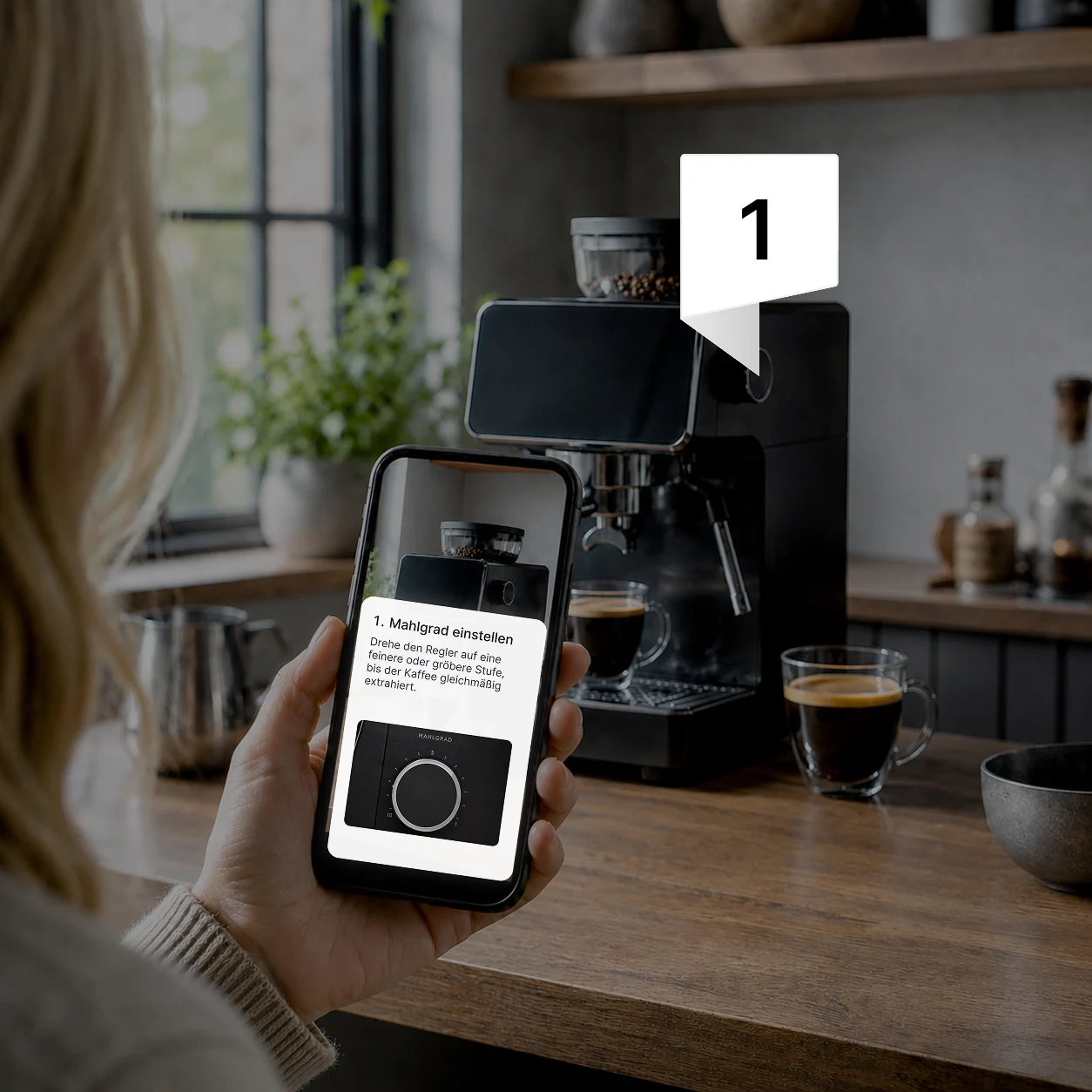
The user scans the QR code on the product, describes their problem, and is guided specifically through the appropriate solution path. Images, videos, and Augmented Reality show directly on the product what needs to be done.
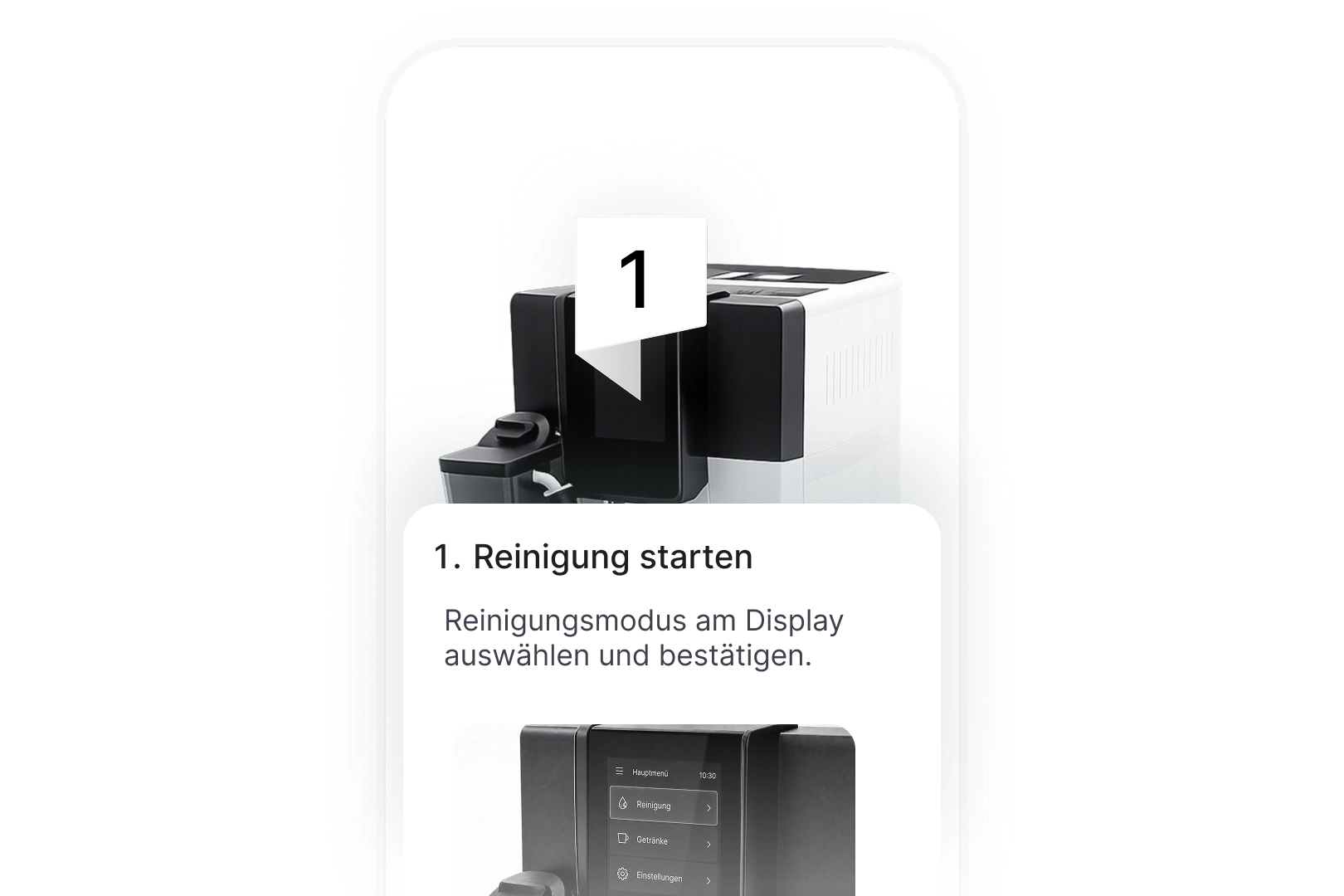
This transforms instructions into genuine assistance for customers, technicians, and support teams.

A simple way to solve support issues directly on the product
Simple and Fast

How guidar works so simply

Upload product knowledge in the form of PDFs, videos, and images, and guidar creates interactive guides directly for smartphones from it.

1. Upload product video

Simply upload a product video to guidar.

2. Content is recognized

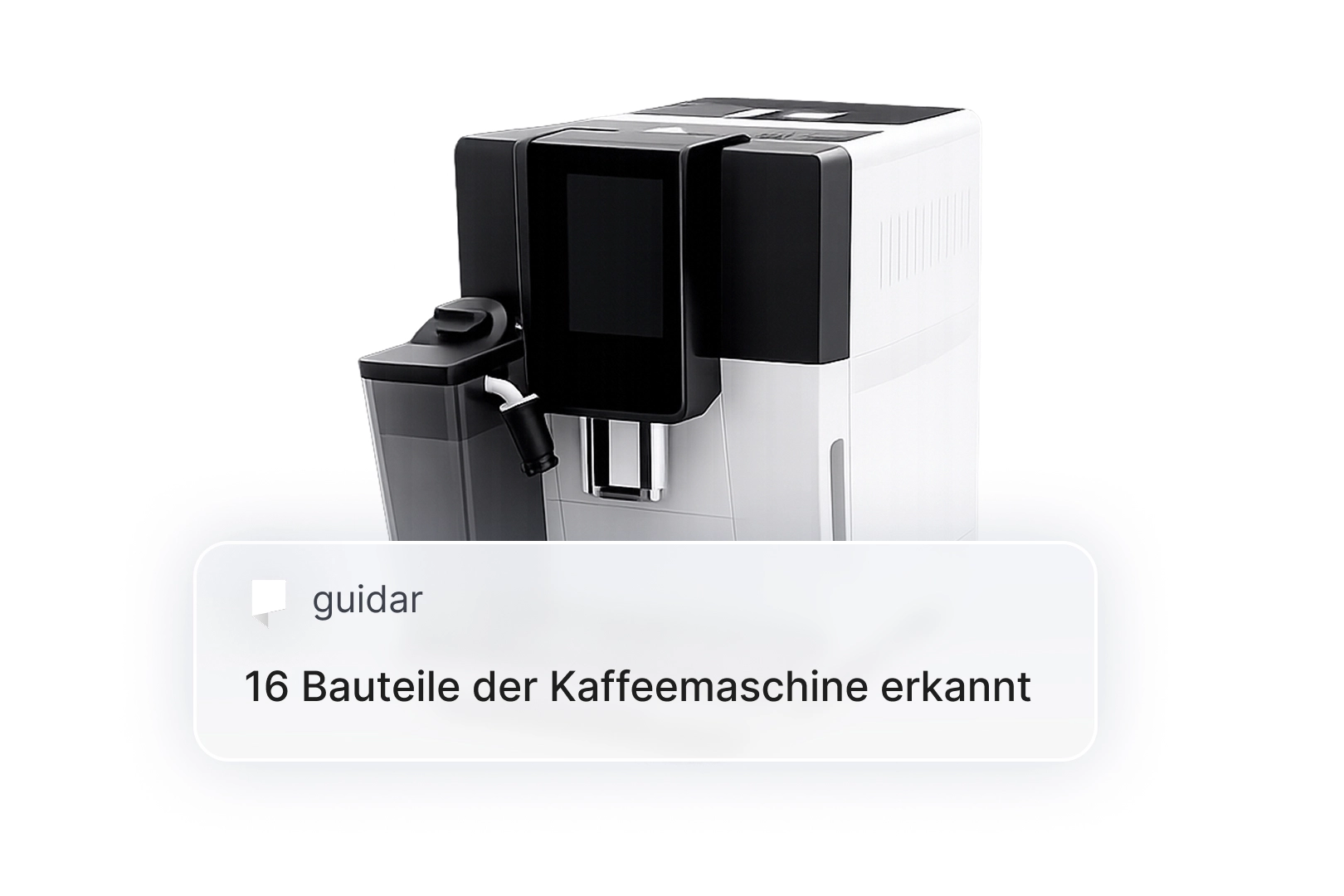
guidar recognizes components, steps, and important information from the product.

3. Provide guides

Customers scan the QR code and solve problems directly on the product using their smartphone.

The Most Important Difference

PTC Vuforia Expert Capture starts with a defined workflow.

guidar starts with the user's actual problem.

This makes a big difference in support and service. Customers rarely provide a perfect problem description. Technicians on-site are often under time pressure and need to quickly know what the next logical step is.

guidar asks targeted questions, narrows down the problem, and suggests the appropriate solution path.

The user doesn't have to search through long manuals themselves. Help starts exactly where the problem arises.

Not just customer support. Also technician assistance.

guidar supports not only customers but also technicians during service calls.

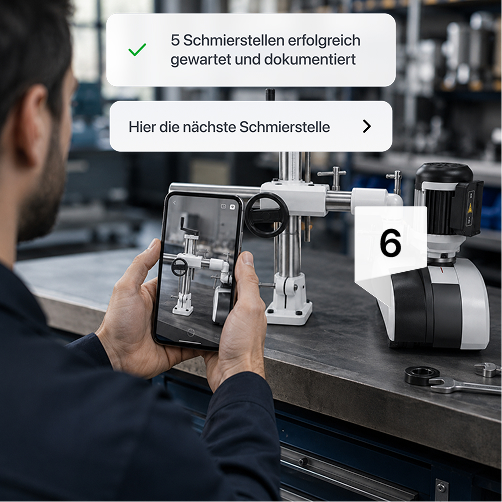
When maintenance, diagnosis, or repair is needed on-site, guidar guides them step-by-step through the appropriate process. Photos, answers, measurements, and completed steps can be recorded directly during the service call.

This results in fewer queries to the internal support team, more consistent service operations, and documentation that doesn't have to be compiled retrospectively.

The Solution

Why manufacturers choose guidar

Product help starts directly at the product

Customers and technicians don't have to search for PDF manuals, install apps, or fill out complicated support forms.

They scan the QR code on the product and start directly on their smartphone.

The right solution is found

guidar doesn't just display a list of instructions.

The solution first understands the problem, asks clarifying questions, and then guides the user to the appropriate procedure.

Instructions are made clear

Many instructions are technically correct but difficult to use in practice.

guidar transforms them into clear steps with text, images, videos, and augmented reality. Users see not only what to do but also where on the product they need to act.

Technicians receive on-site support

Technicians don't need to memorize every procedure or contact internal staff for every uncertainty.

guidar guides them through maintenance, diagnostics, and repairs directly at the product. This is especially helpful for new technicians, external service partners, or rare fault patterns.

Support gets better information

Not every problem is solved immediately. But even then, guidar saves time.

If the user gets stuck, guidar collects the most important information, including the problem description, photos, serial number, model, and steps already taken.

This means support receives a prepared request with relevant information, not an unclear case.

Service operations are thoroughly documented

During maintenance and repairs, completed steps, photos, answers, and measurements can be recorded directly within the workflow.

This creates structured documentation that can be reused for support, service management, or field service systems.

Help for everyone, available anytime, anywhere

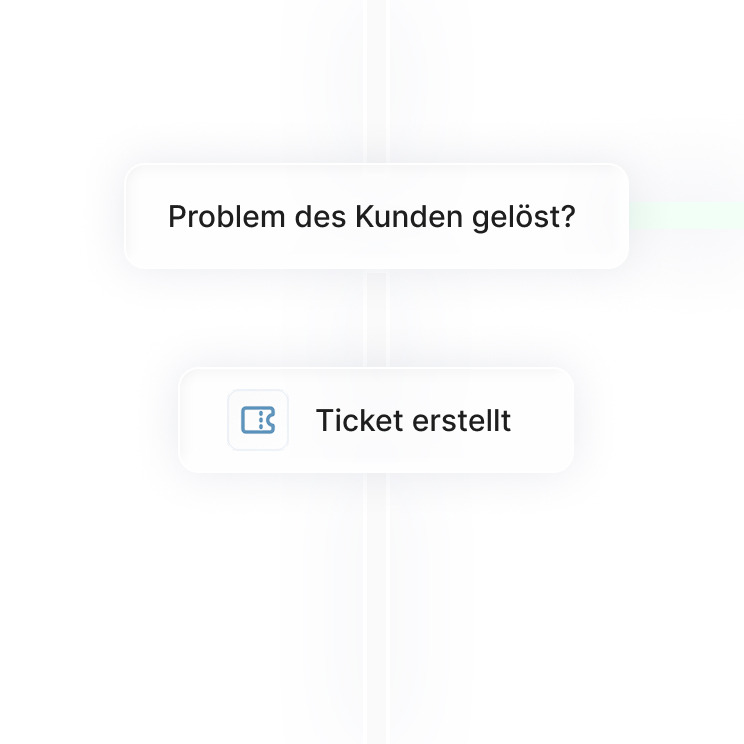
If the solution isn't enough, the support case is already prepared.
A simple way to resolve support cases directly on the product
Step-by-step to the solution directly via the camera
Learn more
Service operations are structured and automatically documented.
All important information for documentation is captured directly within the process.
guidar supports service teams step-by-step directly on the product.
Learn more

When PTC Vuforia Expert Capture makes sense

PTC Vuforia Expert Capture can be a good fit when companies want to capture, standardize, and provide internal workflows as augmented reality work instructions.

This approach can be particularly useful in production, training, quality assurance, or internal frontline processes.

If the primary goal is to document expert knowledge and guide internal teams through defined procedures, Vuforia Expert Capture is a well-known solution in this field.

When guidar is a better fit

guidar is a better fit when the goal isn't just a digital work instruction, but also reduced support effort and improved service operations.

If customers regularly ask the same questions, on-site technicians need to consult with internal staff, or maintenance and repairs need to be thoroughly documented, guidar is the more suitable solution.

guidar wasn't built just to show steps.

guidar was built to guide customers and technicians directly at the product to the right solution.

FAQ

Frequently asked questions about guidar

Is guidar an alternative to PTC Vuforia Expert Capture?
Cheveron down icon
What is the difference between PTC Vuforia Expert Capture and guidar?
Cheveron down icon
Who is guidar suitable for?
Cheveron down icon
Do customers need an app for guidar?
Cheveron down icon
Can guidar also support technicians during service calls?
Cheveron down icon
What happens if a problem is not resolved?
Cheveron down icon
Does guidar also work with complex machines?
Cheveron down icon
How quickly can a first service guide be created?
Cheveron down icon