Digitize and automatically document maintenance

guidar guides users step-by-step through maintenance tasks using AI, smartphone camera, and Augmented Reality, ensuring procedures are performed correctly and support teams are unburdened.

For manufacturers, service teams, and operators of complex products.

A simple way to resolve support cases directly at the product
Simple and Fast

How guidar works, it's that simple

guidar guides customers directly on the product to a solution and, if needed, collects all information for support.

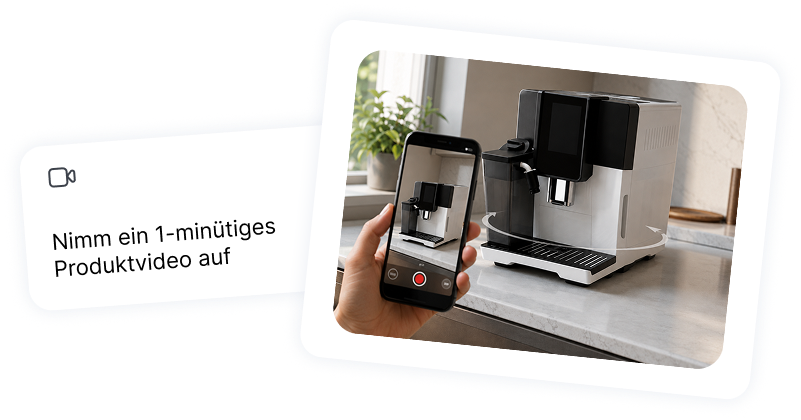
1. Upload Product Video

Simply upload a product video to guidar.

Faster problem solving

guidar recognizes components, steps, and important information from the product.

Lower cost per solution

Customers scan the QR code and solve problems directly on the product using their smartphone.

Simple and Fast

With guidar, maintenance is guided and documented directly at the product

guidar transforms existing maintenance information into digital workflows. Users scan a QR code and are guided step-by-step through the relevant maintenance.

Digitize maintenance

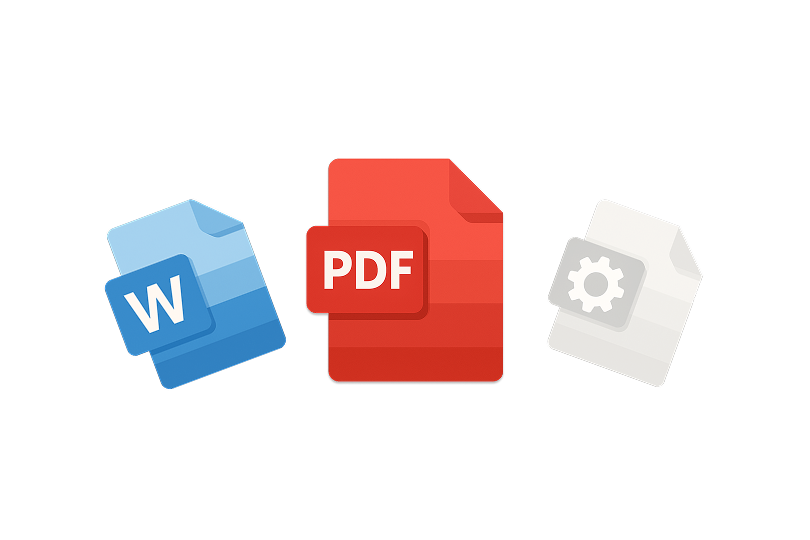
Create digital maintenance workflows from existing PDFs, videos, images, or service documents.

Automatically document maintenance intervals

Maintenance tasks can be assigned to products, specific times, and intervals, ensuring traceability of when each maintenance was performed.

Automate maintenance reminders

Users or service teams can receive timely reminders for recurring maintenance, cleaning, or inspections.

Digitize maintenance logs

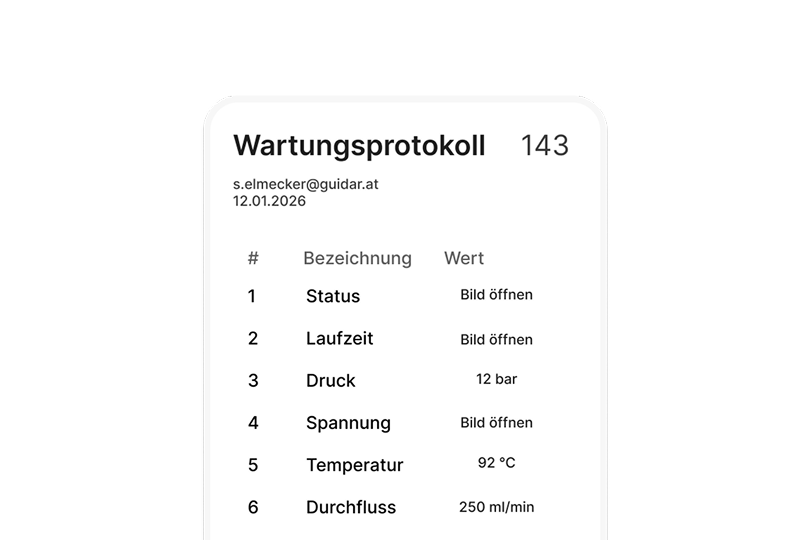
Completed steps, responses, checks, and notes are recorded directly within the process.

Simple and fast

How digital maintenance works with guidar

Upload maintenance knowledge in the form of PDFs, videos, or images. guidar then creates interactive maintenance guides directly for smartphones.

1. Upload maintenance knowledge

Provide PDFs, videos, images, checklists, or service documents as a basis.

2. Content is recognized

guidar identifies relevant steps, tips, and information from your maintenance knowledge.

3. Provide Guide

Users scan a QR code and start maintenance directly on the product.

Before / After

From manual maintenance to digital maintenance logging

guidar makes maintenance easier to track. Users are guided, steps are confirmed, and important information is documented directly.

Before

Maintenance intervals are planned manually

Instructions are in PDFs or Excel spreadsheets

Logs are filled out retrospectively

Repair processes are difficult to track

Queries often end up in support

After

Maintenance starts directly via QR code

Users are guided step-by-step

Maintenance logs are digitally recorded

AI answers questions directly on the product

Maintenance intervals can be automatically documented

Use Cases

For Maintenance, Inspections, and Repair Processes

guidar is suitable for recurring maintenance, cleanings, inspections, and repair processes. All procedures can be started and documented directly on the product.

Cleaning and Care

For filter changes, rinsing programs, visual inspections, or regular cleanings. Every step is clearly guided.

Repair Processes

To digitize and clearly manage repair processes. Especially for recurring errors or replacement parts.

Logs and Training

Also suitable for maintenance logs, employee training, and error code-based maintenance.

Result

Maintenance that is always available and documentable

This way, maintenance is performed more easily, maintenance intervals are better tracked, and logs are documented directly within the process.

24/7

Available

100%

Documented

Common Problems

For common support cases directly with the product

Many support requests arise directly with the product, for example during setup, operation, cleaning, maintenance, or due to error codes. guidar recognizes the context and launches the appropriate guide, leading customers step-by-step to the solution.

  • Start maintenance directly via QR code
  • View steps on your smartphone
  • Highlight important areas via AR
  • Answer in-process questions with AI
  • Digitally capture maintenance logs
Get started for free

Try guidar live on your product

Upload a short product video and watch it transform into a guide directly on your product.

Upload video

Ideally 30–60 seconds. Film your product slowly from all angles, ensuring it stays fully in frame.

Video an office@guidar.ai senden
Thank you! Your video has been successfully uploaded.
Something went wrong during submission. Please try again.
FAQ

Frequently asked questions about guidar

What does guidar do in customer support?
Cheveron down icon
Which companies is guidar suitable for?
Cheveron down icon
How does a customer get started with guidar?
Cheveron down icon
How long does it take to set up?
Cheveron down icon
Is my data safe?
Cheveron down icon
Can I test guidar risk-free?
Cheveron down icon
Does guidar replace traditional maintenance manuals?
Cheveron down icon